Part 01 ended with you casting spells into a glass box. Part 02 is about making sure you have a glass box too, whatever machine the realm assigned you. The good news: bash runs everywhere. The other news: on Windows, you have to walk through a gate first, and there are two gates, and someone will insist you pick a favourite.
Linux: born with it
If you're on Linux, bash was pre-installed, likely before the installer asked your timezone. Verify:
bash --versionGNU bash, version 5.2.21(1)-releaseThat's it. No gate. You may proceed to the hygiene section and feel smug on the way.
macOS: bash is in the basement
Macs shipped bash as the default for years — until 2019, when Apple quietly switched the default shell to zsh, largely because of software licensing (possible mention of the letters GPL). The least romantic reason a wizard ever changed robes.
Does it matter for this course? Barely. zsh is bash's cousin: nearly identical
for everything we do, with fancier autocomplete and a strong opinions about
themes. When a difference matters, I'll flag it. Your ~ and your Tab key
behave identically, which covers about 95% of a beginner's emotional needs.
bash --version   # the basement dweller, still there
echo $SHELL      # which bartender you've been assigned
If it says /bin/zsh — welcome, you're in the fancy cousin's section.
Windows: the two gates
Windows does not ship bash. Windows ships cmd.exe (a museum) and PowerShell
(an object-oriented exchange student who's actually quite nice once you know
them — but they are not bash, and this course is a bash course). To get
bash, you walk one of two gates:
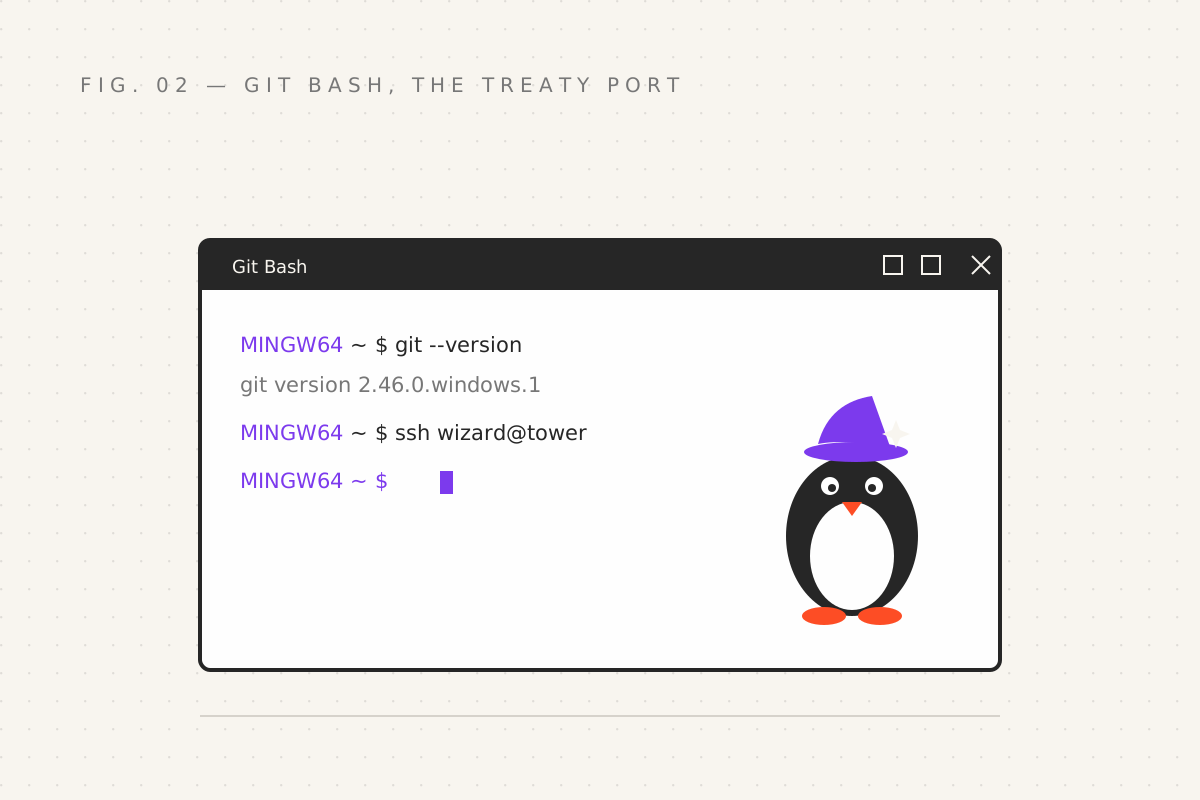
Gate 1: Git Bash — the treaty port
Install Git for Windows — you probably
already have it for git — and you get Git Bash for free: a compact
environment (technically MSYS2/MinGW, which you'll see printed as MINGW64 in
your prompt) that provides bash and the classic Unix spells on Windows soil.
It's called a treaty port here because that's what it is: foreign magic, safely licensed to operate inside another kingdom. Small print exists — some Linux-only spells are missing — but for learning, and for 90% of daily work, it's excellent. Zero configuration, five-minute install.
Gate 2: WSL — the apartment inside the castle
WSL (Windows Subsystem for Linux) is stranger and more wonderful: an actual
Linux distribution living inside your Windows machine, legally. Real Ubuntu,
real apt, real everything.
Open PowerShell as administrator and run:
wsl --installReboot when told. You now have a full Linux home behind a command. For this course, either gate works — every part ahead runs identically in both. My honest recommendation: Git Bash today, WSL when you get serious. WSL gives you the real ecosystem; Git Bash gives you bash right now without a reboot.
One navigational note: inside Git Bash, ~ (your home) is
C:\Users\yourname. Same room, foreign street signs.
Choose your glass box
Separate concern, quickly settled: the terminal app is just the window frame. On Windows use Windows Terminal; on macOS, the built-in Terminal.app is fine, iTerm2 is the popular upgrade; on Linux, whatever your desktop gave you. Do not spend a weekend customizing the frame before learning to cast. The prompt does not care about your gradients.
Terminal hygiene — the habits that make you fast
These apply identically on every machine. Adopt them now and the remaining thirteen parts get cheaper:
- Tab — finish my sentence. Files, directories, spell names. Cast it compulsively.
- Up arrow /
history— your past spells, recallable and editable. - Ctrl+R — the memory spell. Press it and start typing: bash searches your history backwards, live. Cast a two-hundred-character spell last Tuesday? Ctrl+R, type three letters, there it is. This one habit is worth the price of admission.
- Ctrl+L — clear the screen, keep your place in the story.
- Ctrl+C — the panic sigil: stop the current spell (part 01's gift).
- Ctrl+D — "end of input"; closes the shell. Careful: this is also how you accidentally log out while trying to be clever.
And one party trick, because you've earned it. Ever typed a long spell, hit Enter, and been told you needed admin powers?
sudo !!!! means "the spell I just cast" — so this re-summons it with sudo
(superuser do), with powers attached. The crowd goes mild.
Your quest
- Install your gate: Git Bash, or WSL, or both (they coexist peacefully)
- Run
echo $SHELLandbash --version; know your bartender's name - Cast a spell, then recall it with Ctrl+R using two letters
- Try
sudo !!... on something harmless, like a misspelledapt updateattempt. On Linux. You know what, just read aboutsudo !!
Next: part 03 — The Spellbook, where we learn the twentyish words that run the world, plus the wildcard runes that make them terrifyingly efficient.
Filed under Wizardy of Bash — part 02 of 15 · Previous: The Prompt · Next: The Spellbook