Every profession has its toolkit. Surgeons have scalpels, carpenters have chisels, and shell wizards have roughly twenty words that they type thousands of times a year, at speeds that make observers uncomfortable. This is the spellbook. Learn these and you can navigate any machine on Earth — servers, supercomputers, that Raspberry Pi in your drawer that you swore you'd use.
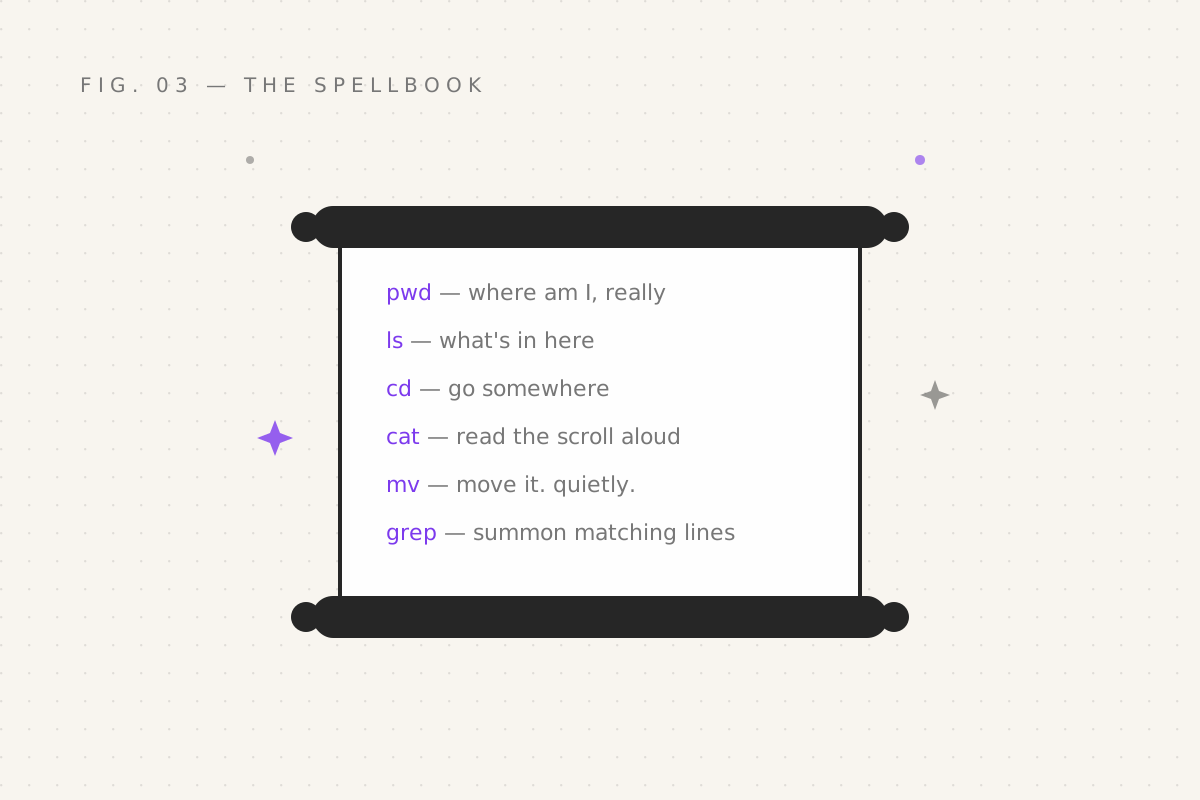
Where am I, and what's in here
pwd                  # print working directory: where am I
ls                   # list: what's in here
ls -l                # long form: details, permissions, sizes
ls -a                # all: show the hidden files (dotfiles — part 13's treasure)
ls -lh # long + human sizes: 4.0K, 2.3M, not 2384921 bytes of grief$ ls -lh
drwxr-xr-x 2 nirmit nirmit 4.0K Sep 28 21:14 potions
-rw-r--r-- 1 nirmit nirmit 2.3M Sep 27 09:02 dragon_feed.xlsxMoving around:
cd potions           # enter the potions folder
cd ..                # go up one level (the "ask my manager" of navigation)
cd ~                 # go home (or just cd, alone — same thing)
cd -                 # teleport back where you came from. Genuinely magic.
cd - is underrated beyond reason: you're in projects/owls/audit, need
something from documents/taxes, then want back? cd -. The shell remembers.
Making, copying, moving, destroying
mkdir potions                                # new folder
touch familiar.txt                           # new empty file (or update its timestamp, sneaky)
cp familiar.txt backup_familiar.txt          # copy a file
cp -r potions potions_backup                 # copy a whole folder (r = recursive)
mv familiar.txt raven.txt                    # rename OR move — mv is both, it's a multitasker
rm raven.txt                                 # delete a file. No recycle bin. No undo. Gone.
rm -r potions_backup                         # delete a folder and everything in it
A moment of ceremony for
rm. On your desktop, deleting files sends them to a recycle bin — a soft timeout for regret.rmhas no such superstition. Whatrmremoves is gone, immediately, with the finality of a dragon's digestion. Double-check your spelling before pressing Enter. Especially if your fingers are near the spacebar. Especially especially if you're one keystroke away fromrm -rf /, the fabled incantation that deletes your entire kingdom and has ended at least one career per generation since 1979.
Reading files:
cat prophecy.txt        # print the whole file (concatenate — it can join files too)
less prophecy.txt       # read one screen at a time — q to quit (the tome reader from part 01)
head prophecy.txt       # first 10 lines
head -n 3 prophecy.txt  # first 3 lines
tail -f app.log         # last 10 lines, then LIVE — new lines appear as they happen
tail -f deserves a drumroll: watching a log file as it writes, like
divination but with evidence. You will use this to watch servers fail in real
time, which is somehow both the worst and most thrilling part of the job.
Wildcards — the actual magic
Here's where bash diverges from every GUI you've used. The shell has wildcard runes that expand to match files:
| Rune | Matches |
|---|---|
* |
any characters, any amount (including none) |
? |
exactly one character |
[aeiou] |
one character from the set |
[0-9] |
one character in the range |
The classic: *.txt — "every file ending in .txt". And here's the moment.
Imagine you have 400 screenshots named like Screenshot_2026-09-01.png and a
colleague says "delete all last quarter's". In a GUI: pick through them by
hand, hope, pray. At the prompt:
ls Screenshot_2026-0[678]-*.png     # preview first. ALWAYS preview first.
rm Screenshot_2026-0[678]-*.png     # then actually do it
Two spells. Done. And the golden rule baked into those comments — list with the same pattern before you delete with it — is the entire difference between a wizard and a war criminal of file management.
More that you'll use weekly:
mv *.jpeg photos/        # herd every jpeg into the photos folder
cp report* backup/       # copy everything starting with "report"
wc -l *.py               # count lines in all your Python files ( vanity, enabled )
Your quest
- Build a
spell-practicefolder; make 5 files withtouch, list them withls -l - Delete three of them with one
rmand a wildcard — after previewing withlsfirst (see? it's already habit) -
cdsomewhere deep, then usecd -to bounce back. Feel the teleport. - Open a file with
less, exit withq - Run
ls -lhsomewhere and find the largest file. Judge it.
Next: part 04 — The Hunters, where grep and find
track down any text and any file on the machine — no matter where they hide.
Filed under Wizardy of Bash — part 03 of 15 · Previous: On Every Machine · Next: The Hunters