You've now got a hundred incantations in your fingers and one problem: they're all loose leaf. Every task means re-typing the same sequence, differently slightly, from memory, at midnight, when the server is down and your dignity is a rumour. Today we build the factory: functions — reusable, nameable, argument-fed spells.
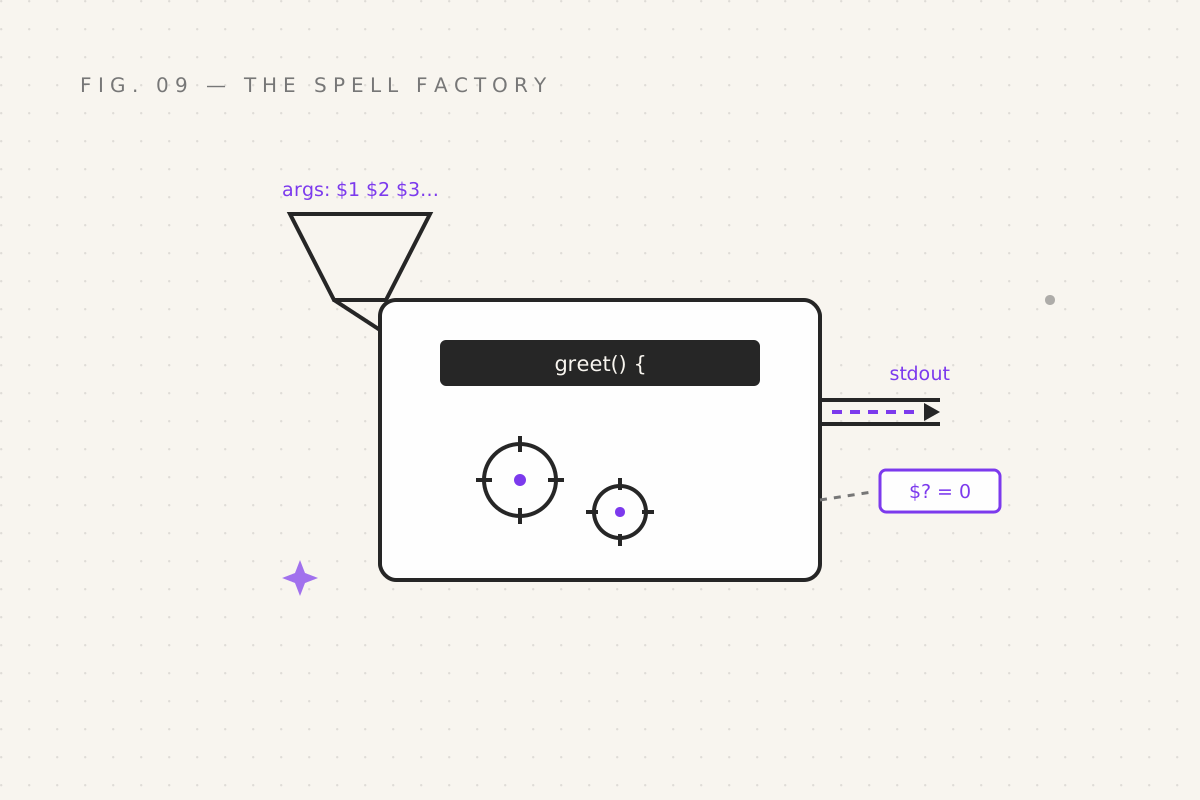
The function
greet() {
  echo "Hello, $1. Your table awaits."
}

greet "Nirmit"
# Hello, Nirmit. Your table awaits.
greet "Sauron"
# Hello, Sauron. Your table awaits.
That's the entire syntax: name() { … }. Call it like any command. No funct
keyword, no ceremony — bash trusts you until proven wrong, repeatedly, at
which point it blames you anyway.
Two things to internalise:
- Define before you call. Bash reads top to bottom; a function doesn't exist until its line runs. Half of "why isn't my function working" is that it's defined at the bottom of the file and called at the top.
- Functions see your shell's variables unless you localise them:
title="Grand"
greet() {
  local mood="cheerful"     # exists ONLY inside the function
  echo "$mood greetings, $1, $title of the realm"
}
greet "Nirmit"       # cheerful greetings, Nirmit, Grand of the realm
echo "$mood"         # (empty — mood never left the building)
local is the difference between a function and an ambient curse. Use it for
every variable a function creates.
Arguments, and the rune family from part 06
Remember $1 $2 $3, $#, $?? They were foreshadowing. Inside a function
they come alive:
brew() {
  echo "Ingredients: $#"
  echo "First: $1"
  echo "Second: $2"
  echo "All: $@"
}

brew eye newt frog
# Ingredients: 3
# First: eye
# Second: newt
# All: eye newt frog| Rune | Meaning in the factory |
|---|---|
$1, $2… |
the first, second… argument |
$# |
how many arguments arrived |
$@ |
all arguments, as separate words |
$0 |
the script's own name (in a script file) |
And the professional default-argument trick:
serve() {
  local dish="${1:-porridge}"
  echo "Serving $dish"
}
serve          # Serving porridge
serve "stag"   # Serving stag
${1:-porridge} reads: "use $1, but if it's empty, use porridge." This
one line upgrades every script you'll ever write from "breaks when you forget
an argument" to "has a sensible default like a responsible adult".
Return codes, not return values
Here's where bash breaks every other language in your head. return does not
hand back a string. It files an exit code — a number, where zero is
success (part 05's doctrine, now fully weaponised):
is_dragon() {
  [[ "$1" == *"dragon"* ]]    # the function's exit code is its last command's
}

if is_dragon "pet: small dragon"; then
  echo "Confirmed dragon. Update insurance."
else
  echo "No dragon. Keep watching anyway."
fi
The function is the condition — if just asks it "zero or not?", exactly
like it asks grep -q. And when you want actual data out of a function, you
do it the bash way: print to stdout, and capture with command substitution:
latest_backup() {
  echo "backup-$(date +%Y-%m-%d).tar.gz"
}

target=$(latest_backup)     # captures the printed string
echo "Next backup: $target"
The division of labour, burned into every script from here on: exit codes for yes/no, stdout for data. That's the whole contract.
The shebang, and your first real script
Time to leave the interactive shell and write a file:
#!/usr/bin/env bash
# backup.sh — tosses a folder into a dated tarball

set -e                        # die on first error (full doctrine in part 11)

src="${1:-.}"                 # argument 1, defaulting to here
dest="${2:-backups}"

mkdir -p "$dest"
tar -czf "$dest/backup-$(date +%Y-%m-%d).tar.gz" "$src"
echo "Backup complete → $dest/backup-$(date +%Y-%m-%d).tar.gz"
Line one is the shebang: #! followed by the interpreter's address. It
tells the kernel "run this file with bash", so you never have to remember to
type bash first. /usr/bin/env bash finds bash via $PATH — the portable
form (plain #!/bin/bash breaks on machines where bash lives elsewhere,
causing bugs so boring we won't describe them).
Make it executable and run it:
chmod +x backup.sh       # the +x rune: "may be executed" — a one-time knighting
./backup.sh ~/projects   # argument 1: what to back up
chmod +x is the gate between "a file with wishes in it" and "a program". The
./ prefix means "the one here, in this directory" — because . isn't in
$PATH, a security choice that has saved the world from approximately four
billion attacks.
source: borrowing someone's spellbook
One last move, and it's a door-opener. source runs a script inside your
current shell instead of spawning a fresh one:
# helpers.sh
greet() { echo "Hey $1!"; }
export PROJECT_HOME="$HOME/projects"source helpers.sh # or the shorthand: . helpers.sh
greet "Nirmit" # works — the function now lives in YOUR shell
echo "$PROJECT_HOME" # so does the variableNormal scripts run in a child shell: their variables vanish when they exit.
sourced scripts are transplanted — functions, variables, everything. This
is exactly how .bashrc works (part 13's main event) and why config files
say "source this file": source ~/.venv/bin/activate, anyone? You've cast
that spell a hundred times without knowing what it did. Now you do, which is
the theme of this entire track.
Your quest
- Write
greetwith a default name; call it with and without an argument - Write
countdown() { for i in {5..1}; do echo "$i…"; done; echo "Liftoff"; }— then call it three times, for science - Write
backup.shfrom above,chmod +xit, back up a real folder, inspect the tarball withtar -tzf - Put your favourite function from parts 07–08 into
helpers.sh, source it, use it interactively. Your shell now has custom moves.
Next: part 10 — Text Alchemy, the transmutation
wing: sed, awk, cut, sort, uniq — turning raw text dregs into gold.
Filed under Wizardy of Bash — part 09 of 15 · Previous: The Loop · Next: Text Alchemy