Every shell you open runs a ritual first: it reads a file in your home
directory called .bashrc and casts everything inside it. Every alias you've
ever envied on a colleague's screen, every coloured prompt, every custom
command — it all lives in this one plain-text spellbook. Today you write in
it.
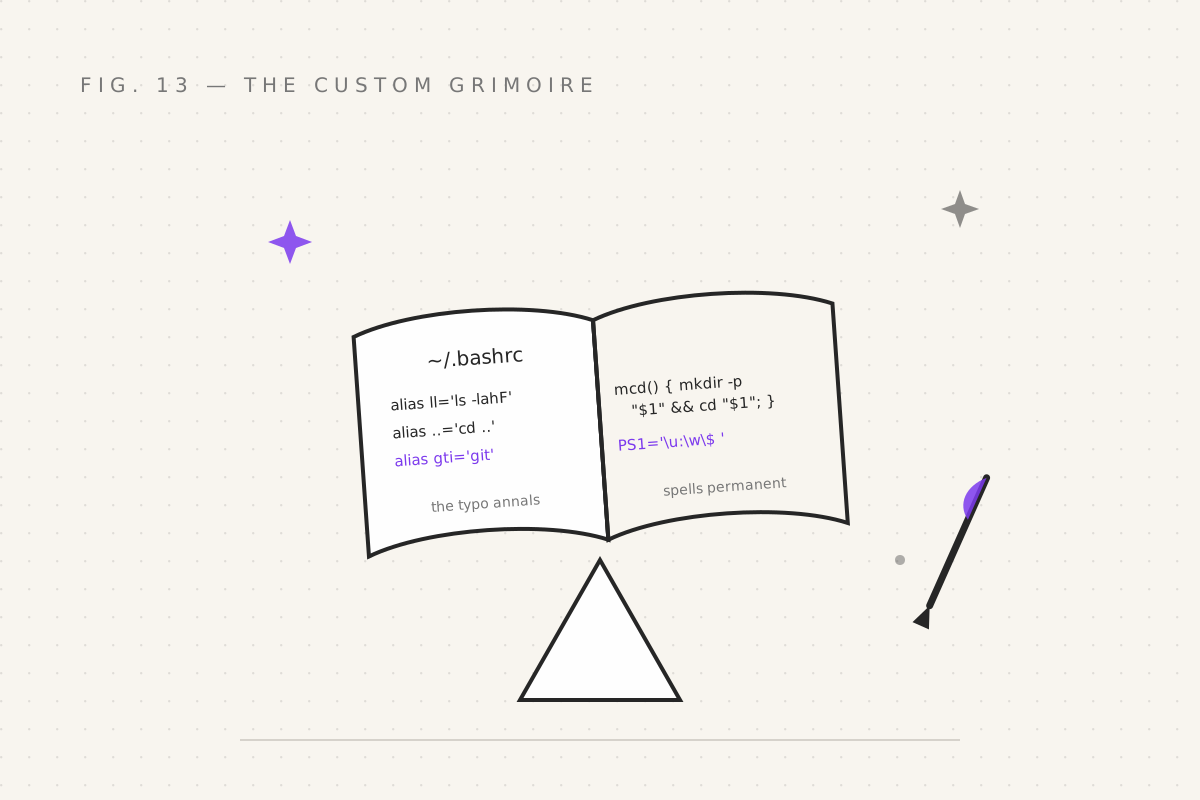
Meeting your grimoire
cat ~/.bashrc # read it (on macOS, you may need ~/.bash_profile or ~/.zprofile — see below)You'll find lines like alias ll='ls -la' — souvenirs from whoever configured
the machine. Boring to read, transformative to write. The golden rule:
Any spell you've typed more than three times, and typed with typos, is begging to become an alias. (Alias #1 for most wizards:
alias gti='git'. You have a typo. You know the one.)
Aliases go in .bashrc, one per line:
# ~/.bashrc — the grimoire
alias ll='ls -lahF' # the good listing — details, human sizes, type symbols
alias la='ls -A' # even hidden files, compact
alias ..='cd ..' # the lazy climb
alias ...='cd ../..' # the lazier climb
alias grep='grep --color=auto' # matches in colour. No downside. Where has this been all my life.Reload (that's source, from part 09, doing its job):
source ~/.bashrcFrom now on, every new shell you ever open is your shell: your shortcuts, your words.
The prompt: ask, and it shall answer
That nirmit@tower:~$ you've been reading since part 01? Configurable. The
variable PS1 holds the recipe:
echo "$PS1" # the current recipe, in cryptic backslash-runesThe runes (a sample; the man page section "PROMPTING" has the full litany):
| Rune | Shows |
|---|---|
\u |
your username |
\h |
the machine's short name |
\w |
current directory (full path; \W for just the name) |
\$ |
$ (or # if you're admin — the brake-less mode from part 01) |
\t |
24-hour time |
\e[0;32m … \e[0m |
start colour (green here) … stop colour |
Compose your own — username in green, folder in purple, and a marker that screams when you're admin:
PS1='\e[0;32m\u\e[0m:\e[0;35m\w\e[0m\$ 'Two lines of config, and your prompt now answers "who am I, where am I,
whose privileges am I casting with" — every moment, for free, before you
ask. The status questions of terminal life, automated. Put it in .bashrc and
it's permanent.
The one-line prompt trick that saves ten questions a day
For git users — one status rune instead of typing git status compulsively:
parse_git_branch() {
  git branch 2>/dev/null | sed -n 's/^\* \(.*\)/(\1)/p'
}
PS1='\e[0;35m\w\e[0m \e[0;36m$(parse_git_branch)\e[0m\$ '
Now the prompt itself reads ~/projects/spellbook (main)$ — branch visible
before every cast. Part 10's sed finds the * main line in git branch
output; command substitution from part 06 runs it every prompt. Three
techniques from three parts, converged in two lines of config. This course
has been building to a prompt, and it was worth it.
Functions in the grimoire
Aliases are for one-liners. For anything with logic, graduate to functions —
written in .bashrc exactly as part 09 taught, but now permanent:
# make a folder AND enter it. (A task so common bash never added it. We're not bitter.)
mcd() { mkdir -p "$1" && cd "$1"; }

# extract anything — the universal unpacker
extract() {
  case "$1" in
    *.tar.gz|*.tgz) tar -xzf "$1" ;;
    *.tar.bz2)      tar -xjf "$1" ;;
    *.zip)          unzip "$1" ;;
    *)              echo "Unknown archive: $1" ;;
  esac
}

# what's eating this folder?
fatty() { du -h "$1" 2>/dev/null | sort -rh | head -n 10; }mcd, extract, fatty — three functions, permanently installed, ready in
every shell you'll ever open. Part 09's factory, now bolted to the wall. And
when a script needs testing interactively, source it — the workshop door
swings both ways.
Keep the grimoire in git: dotfiles
One warning, one ritual:
- The warning:
.bashrcgrows. People end up with 900-line files containing three conflictingPS1definitions and a function nobody remembers writing. Comment your additions. Future-you is a different wizard with no memory of present-you's cleverness. - The ritual: keep it in a git repo named
dotfiles, symlinked into place on every new machine:
cd ~
git init dotfiles && cd dotfiles
cp ~/.bashrc .
git add .bashrc && git commit -m "the grimoire, v1"
ln -s ~/dotfiles/.bashrc ~/.bashrc    # the symlink: one file, many thrones
New machine? Clone the repo, run the ln -s, source it — your entire shell
environment, installed in a minute. This is what people mean by "dotfiles on
GitHub", and it's the single highest-leverage hour you'll spend on your
terminal setup.
Your quest
- Add three aliases for things you actually type badly or often
- Install the git-branch prompt; commit something; watch
(main)appear - Write
mcdandextractinto.bashrc,sourceit, use them from a fresh terminal — permanence is the point - Start the dotfiles repo. One file. Future machines will thank you.
Next: part 14 — The Wider Realm, where bash leaves your machine: ssh, cron, git hooks, and CI — the places shell skills compound into power.
Filed under Wizardy of Bash — part 13 of 15 · Previous: Jobs & Signals · Next: The Wider Realm