Human beings are terrible at doing the same thing twice. We get bored, we skip steps, we rename 400 screenshots and die inside at number 87. Computers have the opposite problem: they cannot stop. Loops are where these two species shake hands. You write the spell once; the machine repeats it with a patience no living creature can match.
for: over a list
The shell's signature loop — walk a list, do something to each item:
for pet in cat owl toad dragon; do
  echo "Feeding the $pet"
doneFeeding the cat
Feeding the owl
Feeding the toad
Feeding the dragonfor ITEM in LIST; do … done. The list is just words; the loop hands you one
at a time in $pet.
But the true native form — the one that makes the shell the shell — is looping over files with a glob from part 03:
for f in *.txt; do
  echo "Found: $f"
done
*.txt expands into every matching file, and the loop walks them. Rename every
screenshot:
n=1
for f in Screenshot_*.png; do
  mv "$f" "trip-$(printf '%03d' $n).png"    # trip-001.png, trip-002.png, ...
  n=$((n + 1))
done
Four lines. Four hundred files. The file manager is still loading its spinner.
(And notice "$f" in quotes — part 06's golden rule, now load-bearing: one of
those screenshots will contain a space. It's a law of the universe.)
Numbers without shame
For counting, bash has a sequence expander:
for i in 1 2 3 4 5; do echo "Charge $i"; done    # the honest way
for i in {1..5}; do echo "Charge $i"; done       # the brace way
for i in {0..20..2}; do echo "Even $i"; done     # start..end..step
And a full C-style loop, for the times you need arithmetic control:
for (( i = 0; i < 5; i++ )); do
  echo "Wave $i incoming"
done
Three loop dialects, one message: the shell does not care how you count, as
long as you stop eventually. (The machine will not stop for you. Ctrl+C
remains the true loop-exit spell, as established in part 01.)
while: as long as it takes
for walks a list. while keeps going while a condition holds — it's the
"we read until the book ends" of loops:
count=1
while [[ $count -le 3 ]]; do
  echo "Attempt $count"
  count=$((count + 1))
done
The arithmetic $(( )) from the last example lives here too: bash's math is
clumsy but sufficient, like a village blacksmith.
while's most important real-world job is reading files line by line:
while IFS= read -r line; do
  echo "Line: $line"
done < guests.txt
Two incantations in there, and here's the honest translation: IFS= stops
bash from trimming whitespace, read -r reads one line raw without mangling
backslashes, and < guests.txt pipes the file into the loop (redirection from
part 05, now in its final form). You don't need to love the incantation. You
need to copy it accurately, like an apprentice copying a master's sigil. The
understanding arrives on the third script.
until: while's pessimistic sibling
until is while upside down — run until something becomes true:
until ping -c 1 example.com &> /dev/null; do
  echo "Still no network. Considering a career in pottery."
  sleep 2
done
echo "We're online. Back to work."
A wait-for-the-network script in five lines. Note &> — send both stdout and
stderr into the void (part 05's > all.txt 2>&1, compressed by bash for
exactly this purpose).
break and continue
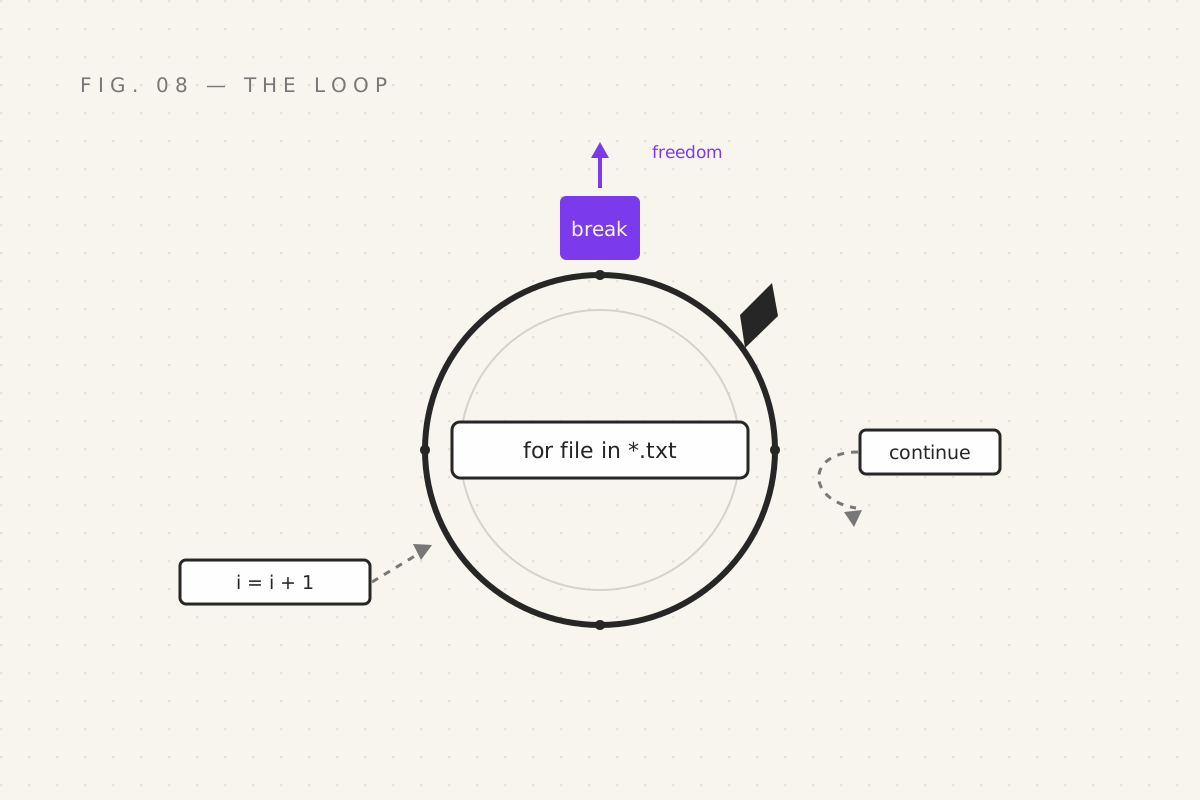
continue— skip the rest of this lap, start the next onebreak— leave the loop entirely. Emergency exit.
for file in *.log; do
  [[ -s "$file" ]] || continue     # empty file? skip it, next lap
  grep -q "FATAL" "$file" || continue
  echo "FATAL found in: $file"
  (( ++found >= 5 )) && break      # five is enough. We get it. Everything is broken.
done
Your quest
- Make 5 files (
touch a.txt b.txt …), then loop over*.txtand print each with a serial number - Batch-rename them all with one loop, like the screenshots example
- Write a word-per-line file and
while readit, echoing each line with a comment - Adapt the
until pingscript for your own router. Run it while unplugging something. Feel the divination work.
Next: part 09 — The Spell Factory, where we stop writing spells and start manufacturing them: functions, arguments, and the scripts that finally get a name and a shebang.
Filed under Wizardy of Bash — part 08 of 15 · Previous: Forks in the Road · Next: The Spell Factory